
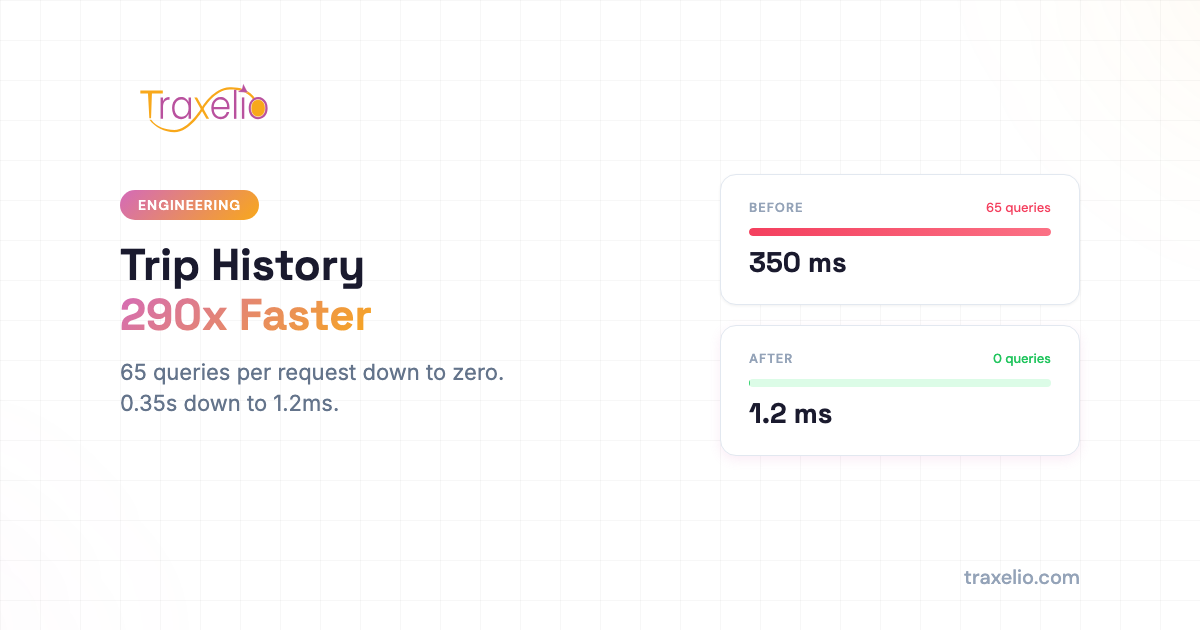
TLDR: We cut trip history loading from 65 database queries (0.35s) to 0 queries (1.2ms) for past days, and from 65 to 24 queries for today. Three changes: batch speed lookups into one query, cache completed days for 24 hours, remove an unused COUNT query. Result: 290x faster on repeat requests, database freed up for live tracking.
When you open trip history for one of your vehicles at the end of the day, you expect it to be instant. You have routes to review, drivers to debrief, and deliveries to confirm. The last thing you need is a loading spinner.
We recently discovered that Traxelio's trip history feature was silently running 65 database queries every time a fleet manager opened a vehicle's daily log. For a single vehicle that drove 189 km across 10 engine cycles, that number already sounds steep. Multiply it across a fleet of 50 vehicles reviewing yesterday's activity, and you are looking at 3,250 queries hitting the database at once, just to answer one question: where did my vehicles go?
This post explains what was happening, what we changed, and what the numbers look like now. If you manage a fleet, you do not need to understand the database internals to care about the outcome: your trip history now loads in under 2 milliseconds on repeat requests, and the rest of your dashboard stays fast because the database is no longer tied up answering the same questions over and over.
What Trip History Actually Has to Do
Before getting into the fix, it helps to understand what the system is computing when you open a vehicle's trip log.
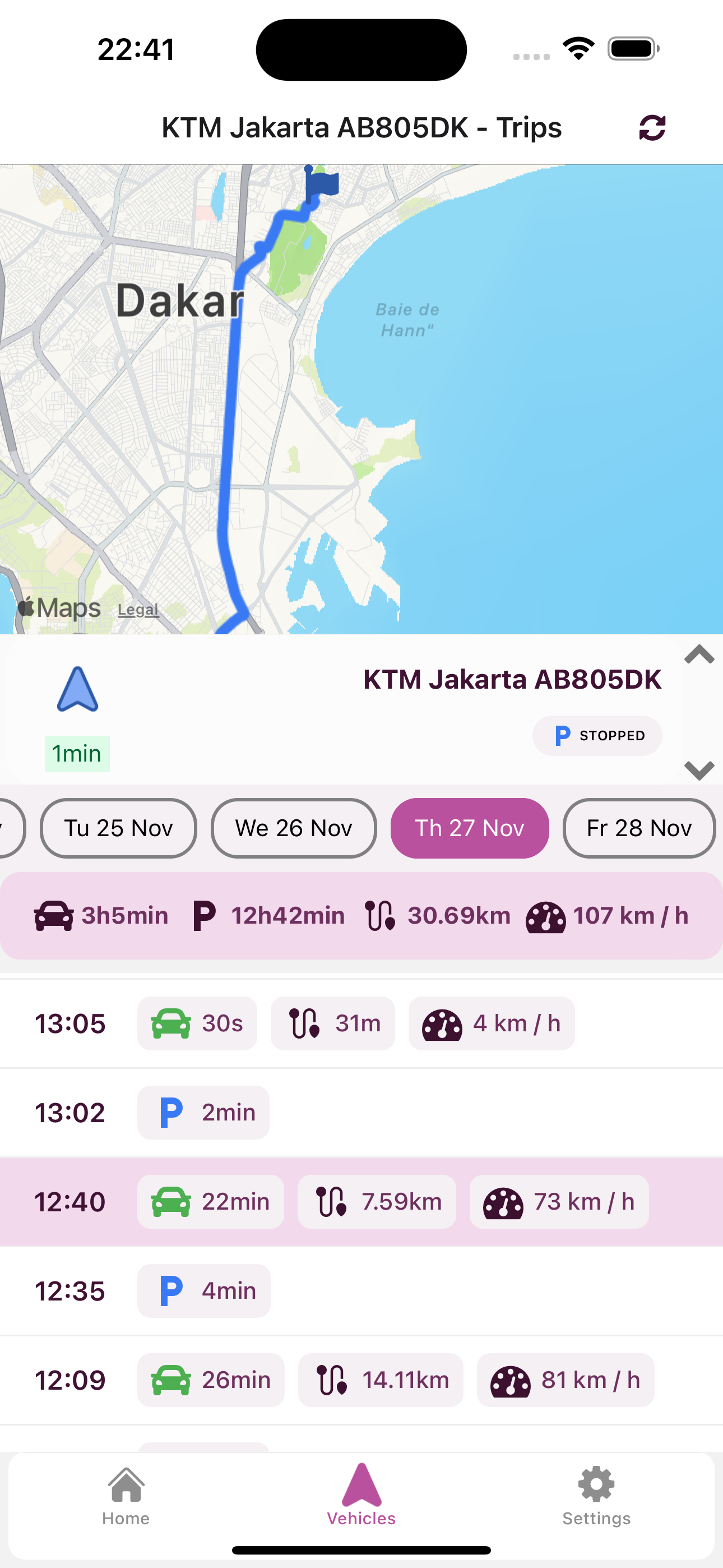
Every vehicle tracked on Traxelio generates a stream of GPS positions. For a full working day, a single delivery truck in Dakar might produce 4,482 position records. Each time the engine turns on and off, the system groups those positions into a trip segment, calculates the distance, identifies the start and end locations, and finds the maximum speed reached during that leg.
That last part, finding the maximum speed per trip segment, was the bottleneck. For a vehicle with 10 engine cycles in a day, the system was issuing one speed query per cycle: 10 separate round trips to the database, just for speed data. Add the queries for positions, distances, and metadata, and you reach 65 queries for a single vehicle on a single day.
That is not catastrophic for one vehicle. But fleet managers do not review one vehicle. They scan the whole fleet. And they often reload the same data multiple times, refreshing after a call with a driver or cross-checking a delivery time.
The Three Changes We Made
1. Batch the Speed Queries
Instead of asking the database for the maximum speed per trip segment one at a time, we now fetch all speed data for the day in a single query and process it in memory.
The old approach looked like this, conceptually:
- Trip segment 1: query the database for max speed between 07:14 and 08:02
- Trip segment 2: query the database for max speed between 08:45 and 09:31
- Trip segment 3: query the database for max speed between 10:05 and 11:17
- (repeat for every engine cycle)
The new approach: one query that returns all position records with speed data for the entire day. The application then groups and filters that data locally, which is fast because it is already in memory.
This alone cut the query count from 65 down to 55 for a first request, and the total data transferred is roughly the same. The real saving comes from eliminating the overhead of repeated round trips to the database.
2. Cache Completed Days
Yesterday's trips cannot change. A vehicle's route on Tuesday is fixed by Wednesday morning. There is no reason to recompute it.
We added a 24-hour cache layer for completed days. The first time someone opens trip history for a past date, the system runs the queries and stores the result. Every subsequent request for that same vehicle and date returns instantly from cache, with zero database queries.
The practical impact: the second time you open yesterday's trip log for any vehicle, the response time drops from around 350 milliseconds to 1.2 milliseconds. That is not a rounding error. It is a fundamentally different experience.
For a fleet of 50 vehicles, reviewing yesterday's activity across the team produces zero database queries after the first pass. The database is free to handle live position updates, geofence checks, and alert processing.
3. Remove the Unused COUNT Query
The system was running a COUNT query on every trip history request. This query tallied the total number of position records for the day and returned a number that nothing in the interface actually displayed.
It was a legacy artifact, left over from an earlier version of the feature. Removing it cost nothing and eliminated one unnecessary database round trip on every request.
Small changes like this are worth catching. A single wasted query at scale adds up to real load on the database server.
The Results
Here is what the before and after numbers look like across three scenarios:
| Scenario | Before | After | Improvement |
|---|---|---|---|
| First request, past day | 0.35s · 65 queries | 0.36s · 55 queries | 15% fewer queries |
| Repeat request, past day | 0.35s · 65 queries | 0.001s · 0 queries | 290x faster |
| Today (live data) | 0.15s · 65 queries | 0.07s · 24 queries | 2x faster, 63% fewer queries |
The first request for a past day is roughly the same speed as before, because the system still has to compute and cache the result. Every request after that is 290 times faster.
For live data (today's trips, still in progress), the batched speed query and the removal of the COUNT query cut the query count from 65 to 24 and halved the response time. Live requests cannot be cached because new positions are arriving constantly.
Why This Matters for Your Operations
Fleet management software lives and dies by how fast you can get answers. If reviewing yesterday's routes feels slow, managers skip it. If cross-checking a delivery time requires waiting, it creates friction. Over time, friction erodes the habits that make fleet oversight effective.
Here is what these numbers mean in practice:
Reviewing yesterday's routes for the whole fleet. Before this change, opening trip history for 50 vehicles sent 3,250 queries to the database. After the first pass through the fleet, that number drops to zero. Every subsequent review, by any team member, returns from cache instantly.
The database stays free for live tracking. Position updates, geofence alerts, and driver events all rely on the same database. When trip history was consuming 65 queries per vehicle per review, it was competing with the live tracking layer. Now it is not.
The dashboard feels responsive. Page speed is not just a technical metric. Managers who find a tool slow tend to use it less. A 290x improvement on repeat requests means that the second time you open a vehicle's log, it is already there.
Trip history underpins the decisions that matter. Reviewing routes is not just an administrative task. It is how you catch unauthorized detours, verify delivery times, document evidence for insurance claims, and identify patterns in driver behavior. We have written about how GPS data supports fuel fraud detection and how delivery truck tracking in Dakar changes what fleet managers can see and act on. Trip history is the foundation for all of it.
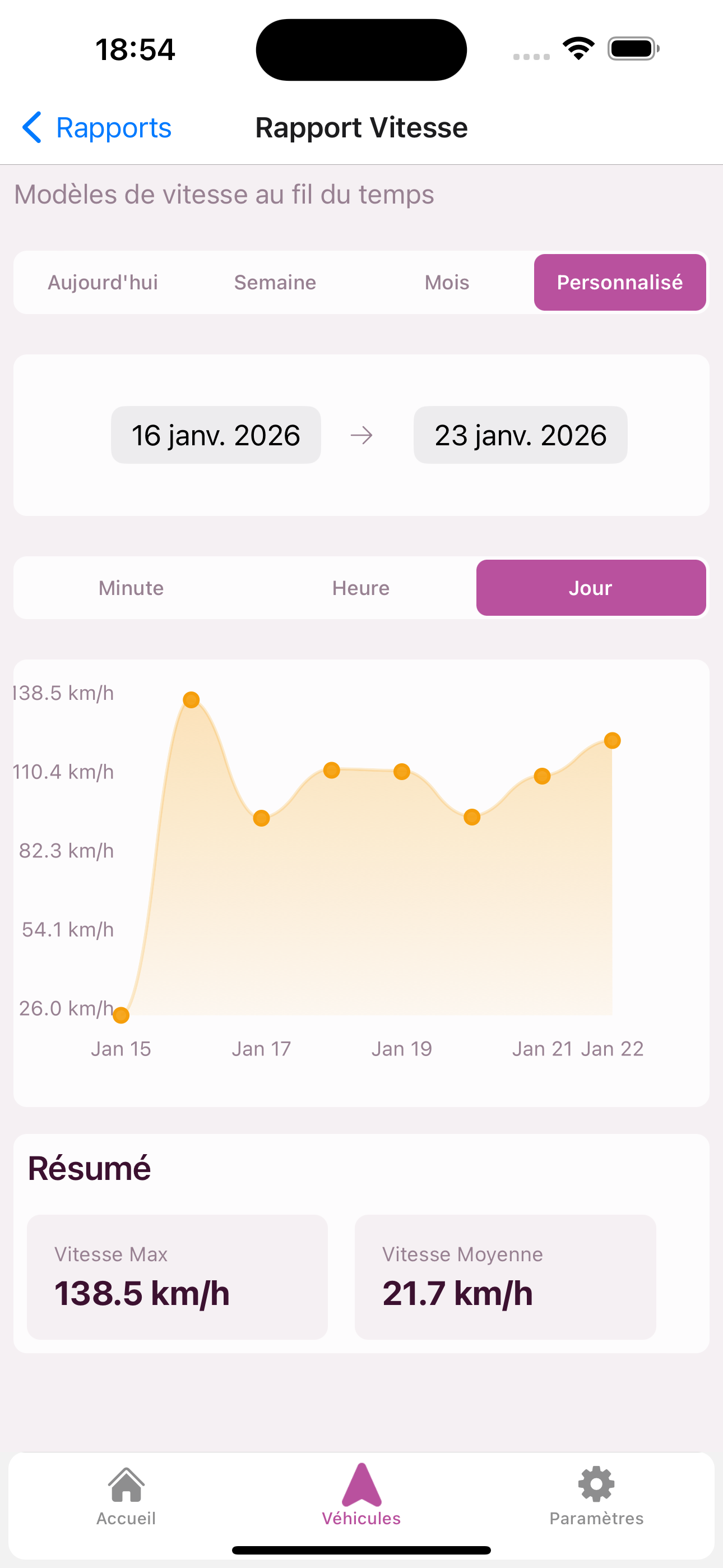
If you want to cross-reference speed patterns against fuel consumption, the speed report view gives you the same data in a different format, and it benefits from the same caching improvements.
How This Connects to Fleet Management at Scale
The 290x improvement is meaningful for a single vehicle. Across a fleet, the compounding effect is what changes the operational picture.
Dakar fleet operators face a specific challenge: most vehicles are on the road during overlapping hours, which means the after-shift review window is compressed. Between 18:00 and 20:00, multiple managers may be pulling trip data for the same vehicles simultaneously. Before this change, that created a spike of hundreds of queries hitting the database at once.
After the change, the first manager to open a vehicle's log caches the result for everyone else. By the time the second manager opens the same log, the answer is already waiting.
This connects to a broader point about what good fleet tracking tools in Dakar actually look like at the infrastructure level. It is not just about features on the surface. It is about whether the system holds up when your whole team is using it at the same time.
For context on how Traxelio compares across features and pricing, the best fleet management software guide for Senegal covers the landscape in more detail.
What Comes Next
Performance work like this is never finished. The optimizations described here address trip history specifically. We continue to profile other high-traffic endpoints and apply the same approach: batch what can be batched, cache what does not change, and remove what serves no purpose.
We track these improvements internally and ship them as part of regular updates, without requiring any action from fleet operators. If you are using Traxelio today, you already have these improvements.
Trip History Is Available on All Plans
Trip history is included on the Basic plan and above. You can review up to 90 days of route data per vehicle, with per-segment speed, distance, and duration details.
If you manage a fleet and want to see what your vehicles' daily routes look like with this level of detail, trip history is a good place to start. It gives you a ground-truth record of every route, every day, without any manual logging required from drivers.